 Aurora
Creator access, passes & Premium
Choose the access you need and understand collection limits before deploying.
On this page
Choose your access
| Access | Best for | Includes |
|---|---|---|
| 24-hour pass | A wallet permission clean-up | Security tools for the connected wallet on supported networks. |
| Creator | Artists making their own collections | Up to 5 collections and 3,333 NFTs per collection, plus artwork and public mint tools. |
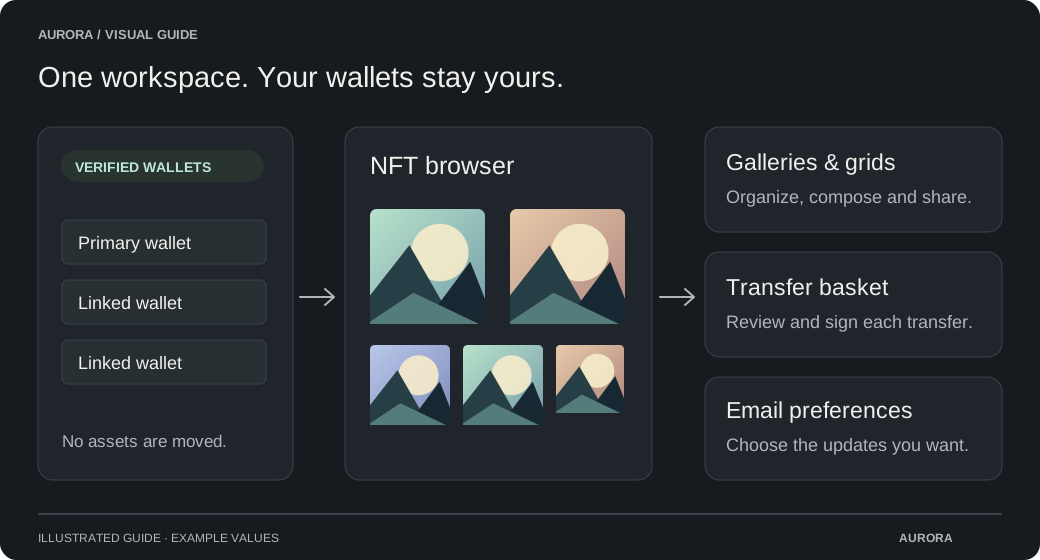
| Premium | A larger creative and wallet workspace | 10 collections with up to 25,000 artworks each, larger release limits, linked wallets, the NFT browser and more. |
Apply for free Creator access
Open Profile → Creator access
Connect and verify the wallet you want to use for your collections.
Describe your project
Link your X account, then enter your email and a short project description. Valid applications are automatically approved. Your application is visible only to you and administrators.
Open your collection workspace
Creator access includes collection tools. The NFT browser, linked wallets and other Premium tools require Premium.
An account upgrade does not rewrite a contract
Collection supply limits include owner mints and public releases. Edition copies each count as one NFT. Pending reservations also use capacity; burning an NFT does not restore lifetime mint capacity.