 Aurora
Transfer NFTs & save recipients
Build a transfer basket, check destination addresses and confirm each transfer in your wallet.
On this page
Prepare the recipient
Use the address book to save a recipient with a recognizable label. A label is for convenience; always verify the actual address and network. Make sure the receiving wallet or service supports the NFT and its network.
Review and send
Add NFTs to the transfer basket
Select the items you intend to send from the NFT browser. Confirm that the connected wallet owns the items.
Review each item and recipient
Check the network, collection, token ID, destination and any quantity shown. Remove anything you did not intend to send.
Confirm each transfer
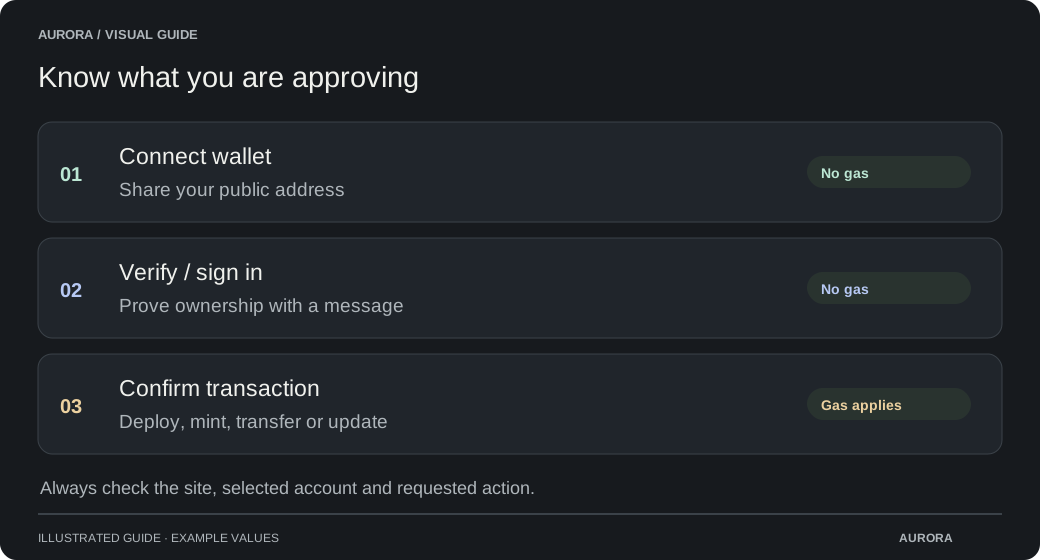
Follow the wallet requests one at a time. Each NFT transfer is a separate transaction with its own gas; the basket is not one combined transaction.
Check completion
Wait for the recorded results. If one transaction fails or is pending, check it before retrying that item.
If a transfer is unavailable
A collection may keep trading locked until its creator enables transfers. Marketplace or contract rules can also restrict transfers. Check the message and the collection’s rules; changing a gallery setting cannot unlock the contract.